How to Set Up Google Play Install Referrer for Mobile Attribution
Set up Google Play Install Referrer, validate the handoff, and use it for cleaner Android mobile attribution.
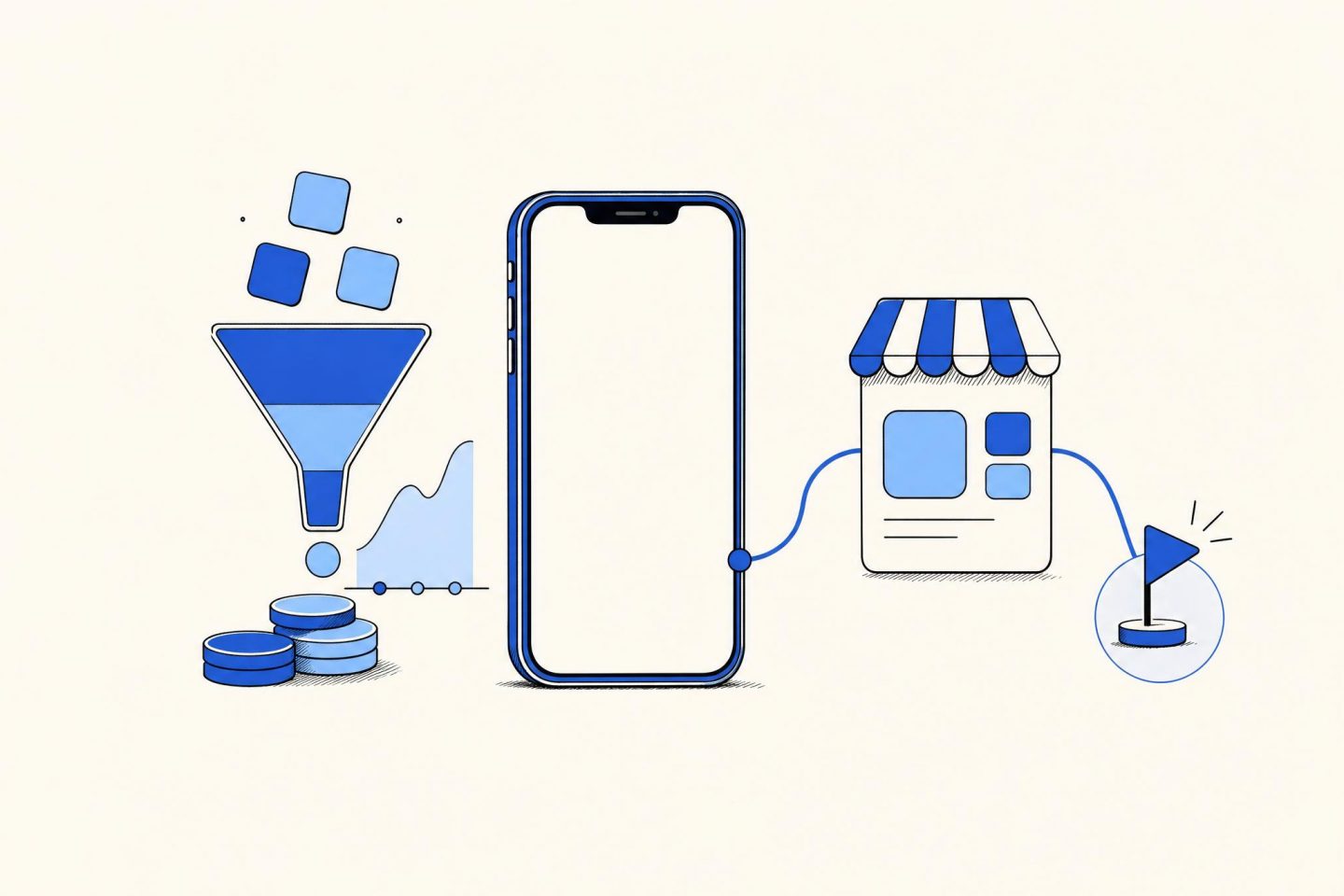
Google Play Install Referrer gives an Android team a store-provided record that can connect an acquisition click to a first app open. It does not replace the rest of an attribution system. It gives that system a stronger input when the install came through Google Play.
This guide shows how to set up Google Play Install Referrer, collect it once, join it to campaign data, and test the handoff before spend decisions depend on it. The example uses a fictional puzzle game called Lantern Loop.
On this page:
- What the library returns
- Set up the connection
- Store and match the record
- Test the full path
- Use it in reporting
Google Play Install Referrer returns store-side attribution details
The Google Play Install Referrer library lets an Android app request referral content from Google Play after installation. The useful parts are the referrer string, the click timestamp, the install-begin timestamp, and flags that describe whether the install came from instant experience or preloading. The library is intended for a short, single-purpose exchange with the Play Store.
That makes the record useful for a practical question: did the campaign identifier that left the ad platform arrive with the install that opened the app? Treat the answer as an attribution input, not as proof that every downstream event belongs to that campaign. A purchase still needs the same install record and a clear attribution rule behind it.
Read the Google Play Install Referrer library guide before implementation. The platform guide documents the client connection and the referral response. The InstallReferrerClient reference is useful when the app team needs the exact Android API behavior.
Set up Google Play Install Referrer as a first-open task
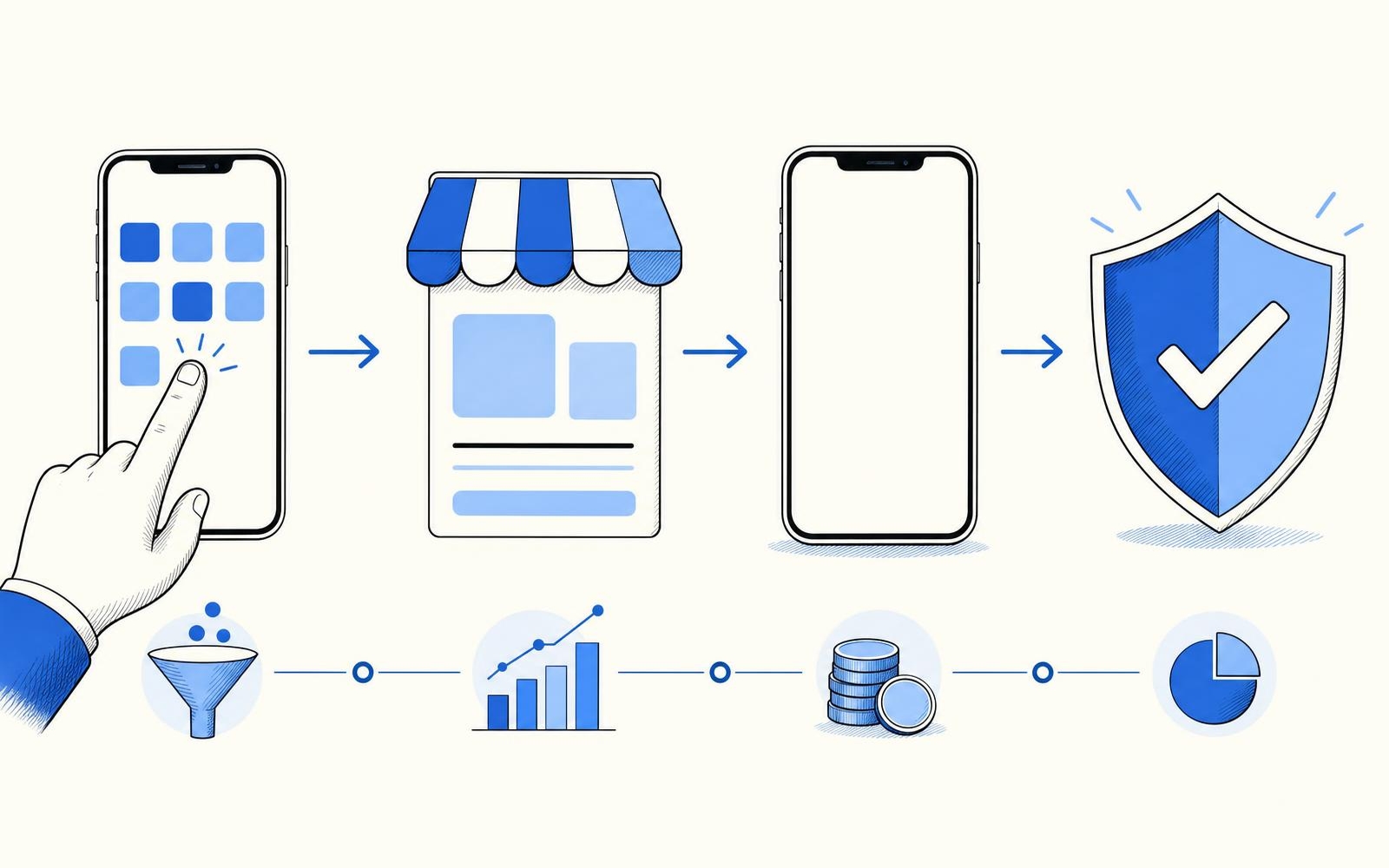
Start with the Android dependency and client flow described in the platform documentation. Open a connection to Google Play, ask for the response after the connection succeeds, send the fields to the attribution service, then close the connection. Keep the call off the main path for first-use product work. The app should not make a player wait for an attribution request before showing the first screen.
Call the Google Play Install Referrer flow once per install. Repeated calls add noise and can create conflicting records when an app is restored, updated, or opened again. Persist a local marker only after the response has been handled. If the connection fails, record the failure reason and allow a bounded retry policy. Do not silently turn a missing response into an organic install.
The referrer string should be stored as received before campaign parsing. Store the raw value in restricted diagnostic data, then extract only the fields the attribution logic needs. Typical fields include a click identifier, a source label, and campaign labels that were attached before the Play Store visit. Keep raw values out of analytics events, crash reports, and customer support tools.
For Lantern Loop, the first open sends one event to the server with an installation identifier, the Google Play Install Referrer response, app version, platform, and received time. The server then validates the structure and applies the same attribution order for every Android install. That prevents a device-side parsing change from changing campaign totals halfway through the week.
Store and match the record before assigning a campaign
A matching rule should state what wins when more than one signal exists. For example, a trusted click identifier in the referrer can take priority over a loose device match. A referrer that lacks a usable campaign value should remain an unresolved store signal. It should not be forced into a campaign because the account needs a row to fill.
Keep click time, install-begin time, and first-open receipt time as separate fields. They answer different questions. Click time helps inspect the ad interaction. Install-begin time helps compare the store handoff. Receipt time shows when the app actually delivered the record. Mixing them can make a normal delay look like fraudulent traffic or a tracking outage.
The sample below is made for this article. It shows the checks a team can run before assigning acquisition credit. Numeric cells are right-aligned so timing comparisons stay readable.
| Test install | Click to install minutes | Install to first open minutes | Referrer state | Assignment |
|---|---|---|---|---|
| Paid campaign path | 4 | 2 | Campaign value present | Match after validation |
| Store browse path | 0 | 1 | No campaign value | Keep unresolved |
| Delayed first open | 7 | 96 | Campaign value present | Check policy window |
| Malformed value | 3 | 3 | Cannot parse | Quarantine for review |
Do not use an arbitrary global window just because it makes more installs match. A short click-to-install gap and a delayed first open can both be legitimate. Set a policy that reflects the team campaign flow, document it, and review unresolved records separately. That is more defensible than treating every unmatched install as organic.
Test Google Play Install Referrer with controlled campaign paths
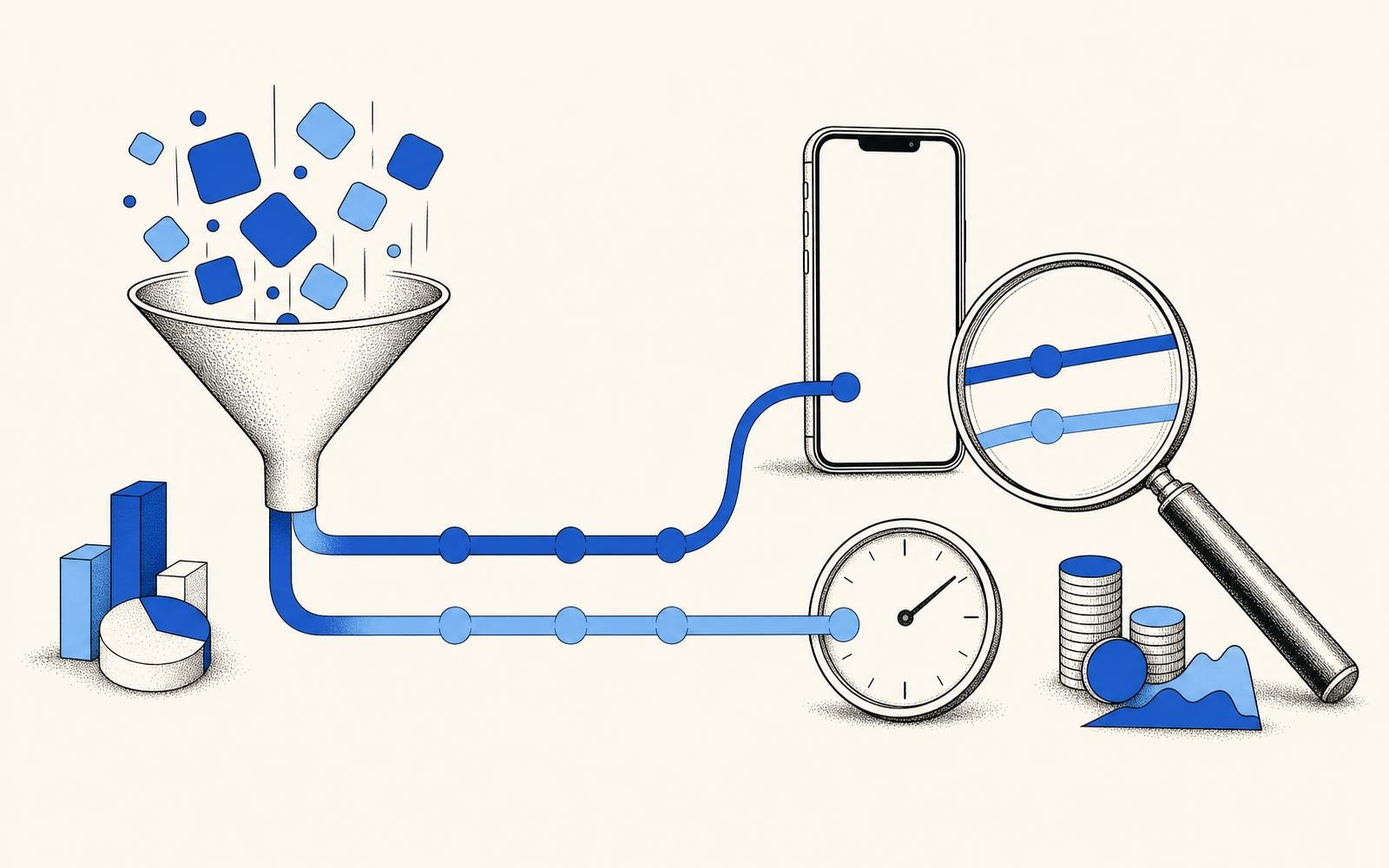
Test Google Play Install Referrer with a small set of paths that have known inputs. Use one paid-style link with a harmless test campaign value, one store-browse install with no campaign value, and one delayed first open. Capture the server record for each path. The goal is not to prove that the app can receive a string. The goal is to prove that the string survives parsing, storage, matching, and reporting without changing meaning.
Check these details during the test:
- Confirm the app creates one store request after the first eligible open.
- Confirm a successful response stores the raw record and the extracted campaign fields.
- Confirm the same test identifier does not create two attributed installs after a reopen.
- Confirm a missing or malformed value reaches the unresolved path instead of a paid campaign.
- Confirm the campaign label in the attribution table matches the label expected from the controlled link.
Also test app updates, reinstalls, and devices that open the app after a long delay. These cases often expose duplicate processing. A clean test record has one installation key, one resolved state, and an audit trail that explains why that state was chosen.
Use Google Play Install Referrer to improve cohort reporting
Google Play Install Referrer becomes valuable when it feeds a cohort table rather than a vanity install total. After an install is assigned, keep its campaign label attached to subsequent revenue and retention records. Then a UA manager can compare cost, installs, D1 retention, D7 revenue, and later payback by the campaign that earned the install.
For example, a campaign with more installs may still lose after refunds or low early retention. The attribution record makes it possible to put that campaign in the correct cohort before the revenue arrives. For a worked example of the reporting side, see how to calculate cohort ROAS. More measurement setup articles are available in the Mobile Attribution category.
Review unresolved records as their own operational metric. A rise can point to a broken link template, a campaign naming change, an Android release, or a server parsing problem. It is not a reason to rewrite history automatically. Keep the Google Play Install Referrer record, the matching decision, and the reason for any rejection together. That gives the team a report it can audit when campaign performance changes.